
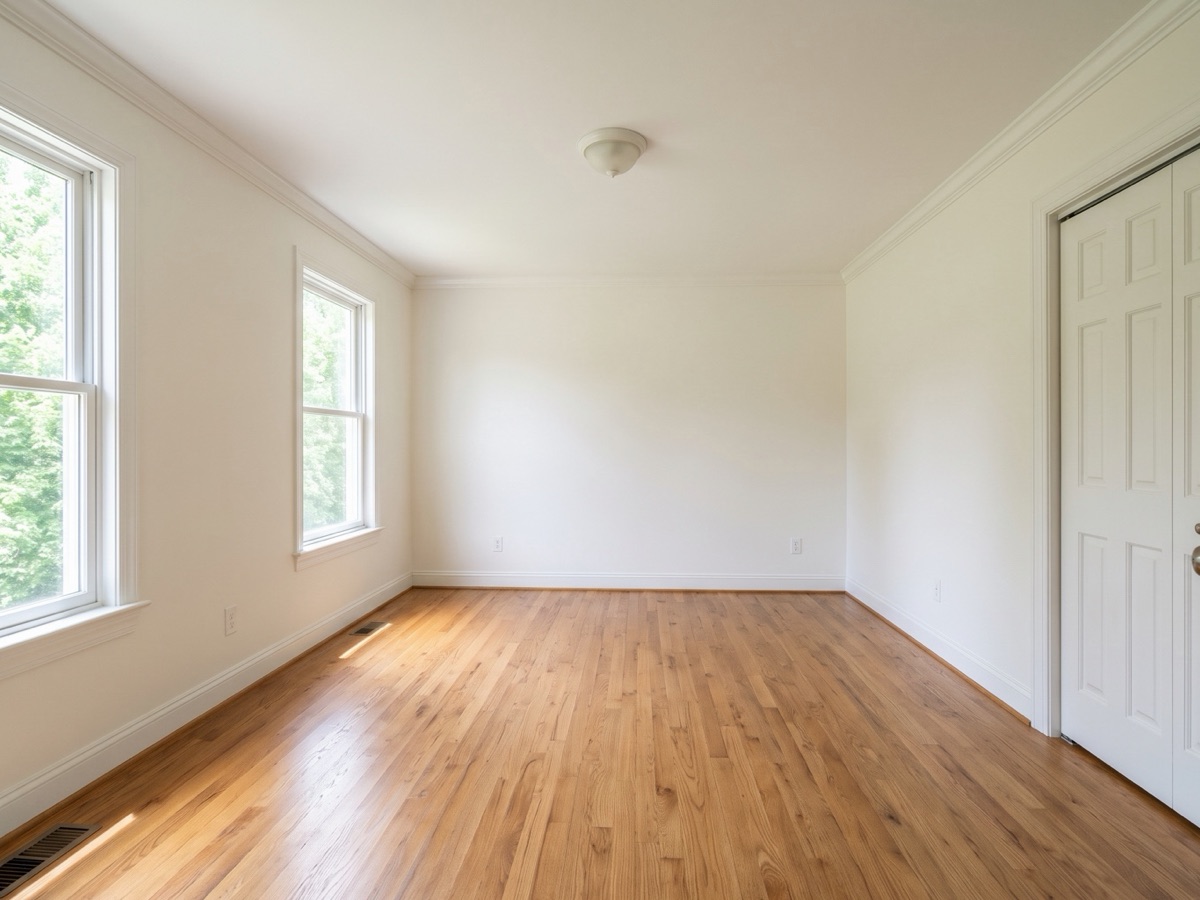
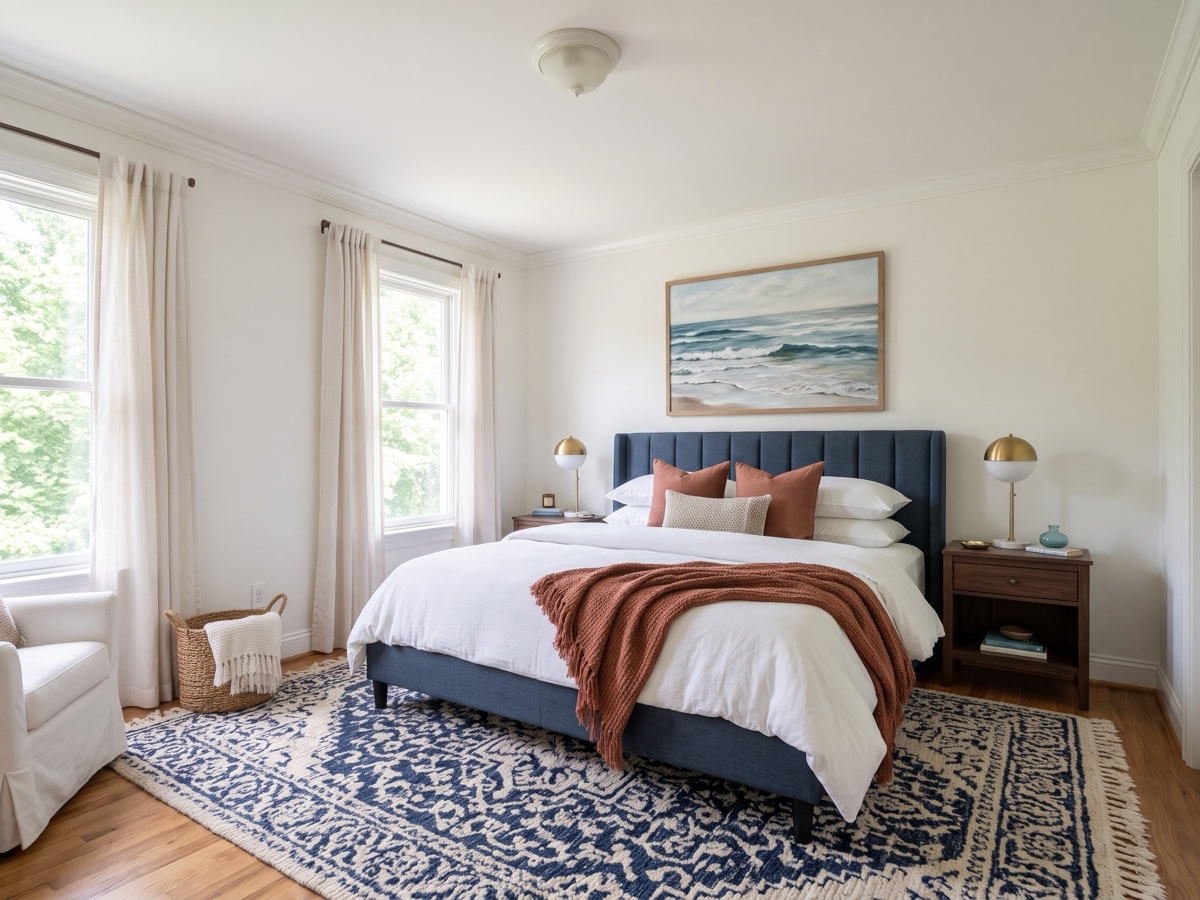
Furnish interior
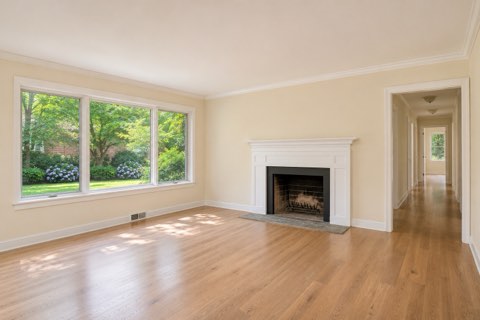
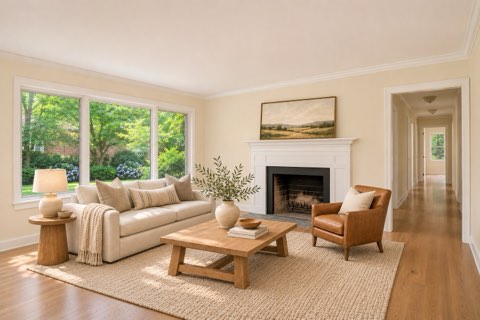
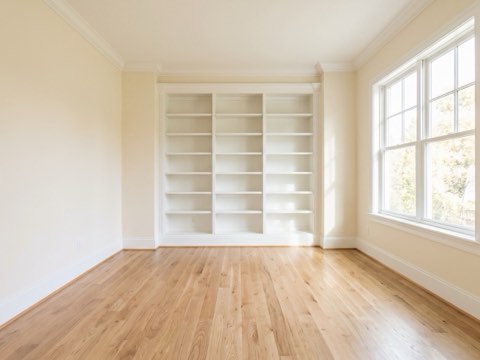
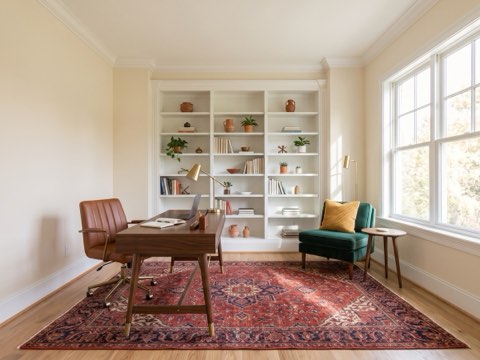
Fill a vacant room in any of 8 styles, with the same furniture carried from one angle to the next.
Furnish empty rooms, clear clutter and fix gray skies from your phone camera roll. The original stays untouched beside every labeled edit
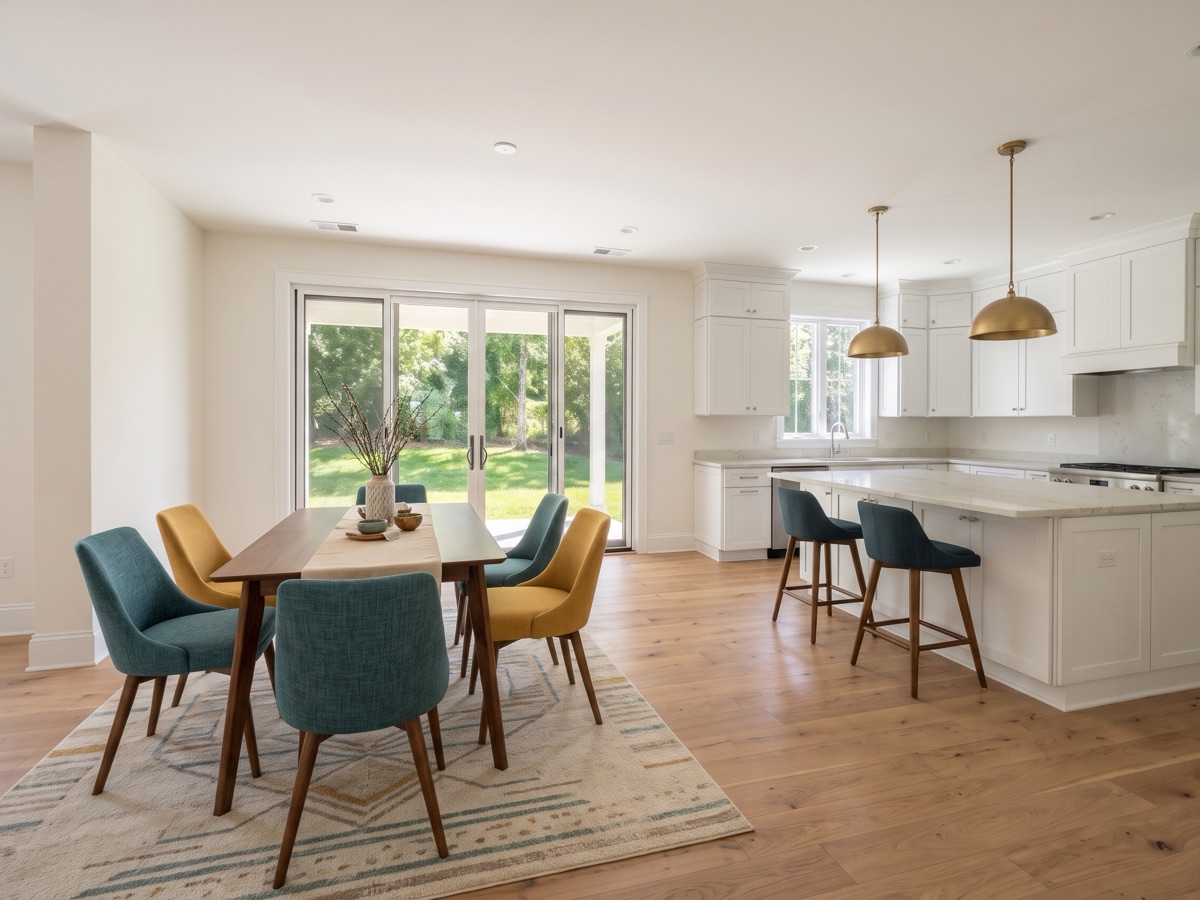
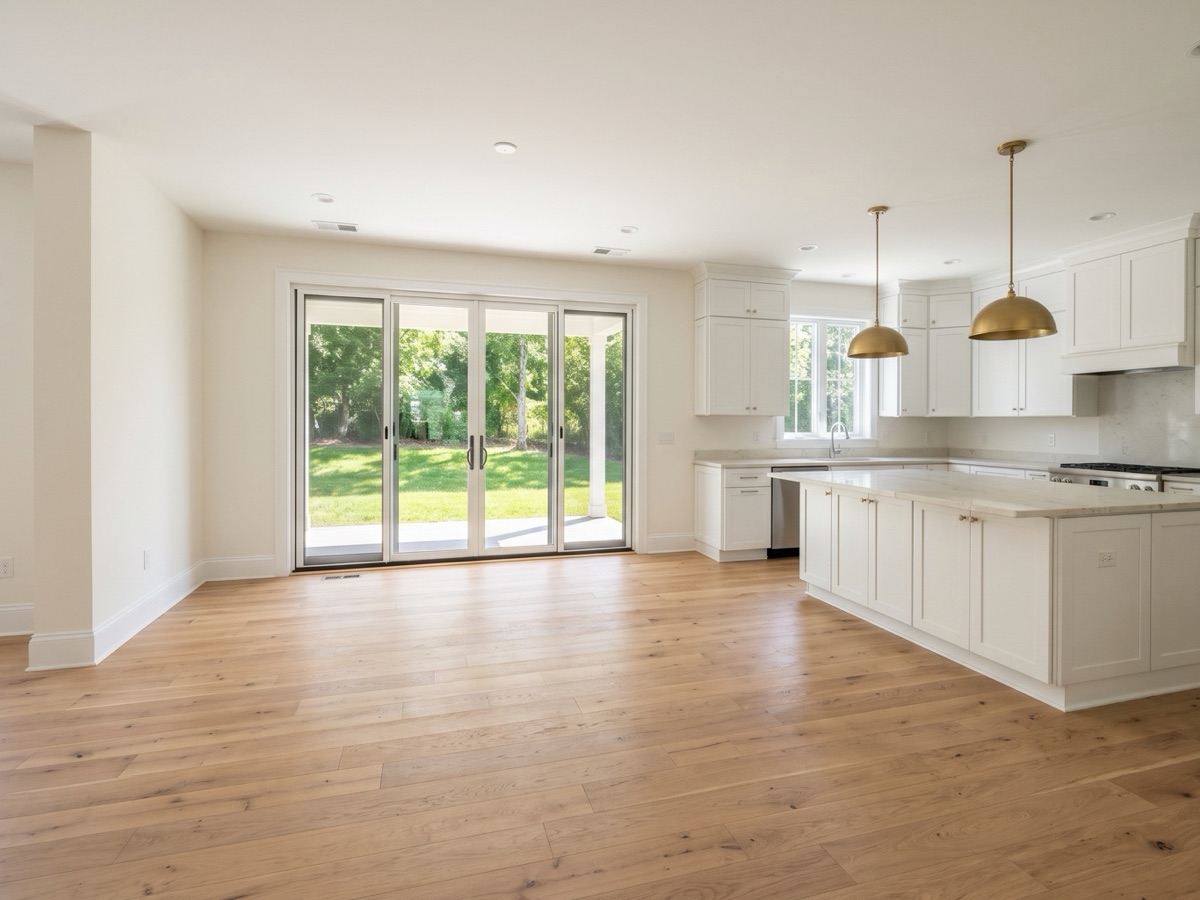
3 free custom photos on your own home, no card required. Pro is less than $1 a day for 300 photos a month
Background video: one example room staged in four styles
Illustration of the three steps with example rooms
Add photos, pick them, tap Stage all photos. Each edit saves beside its untouched original
The first time, you also sign in with an emailed code and allow photo processing. Your first 3 photos are free.
Fill a vacant room in any of 8 styles, with the same furniture carried from one angle to the next.
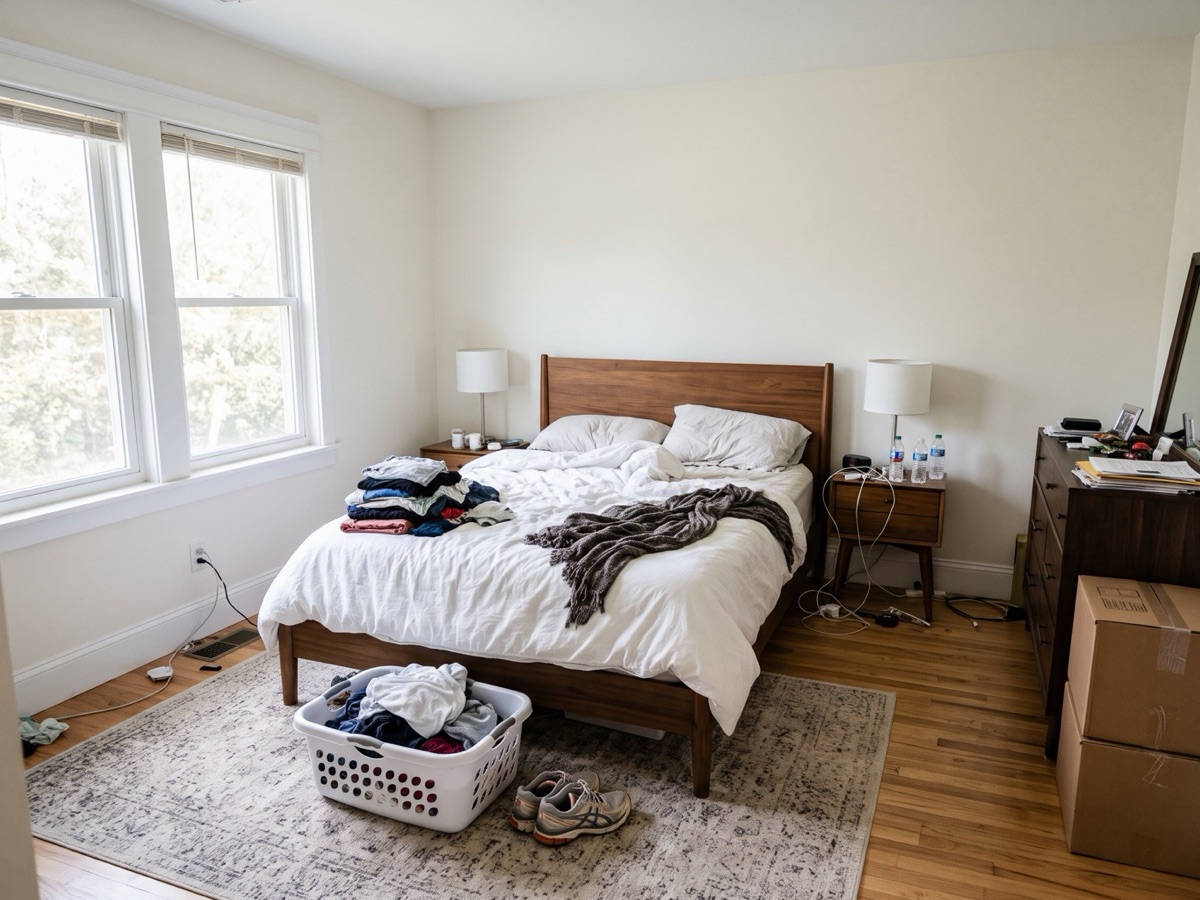
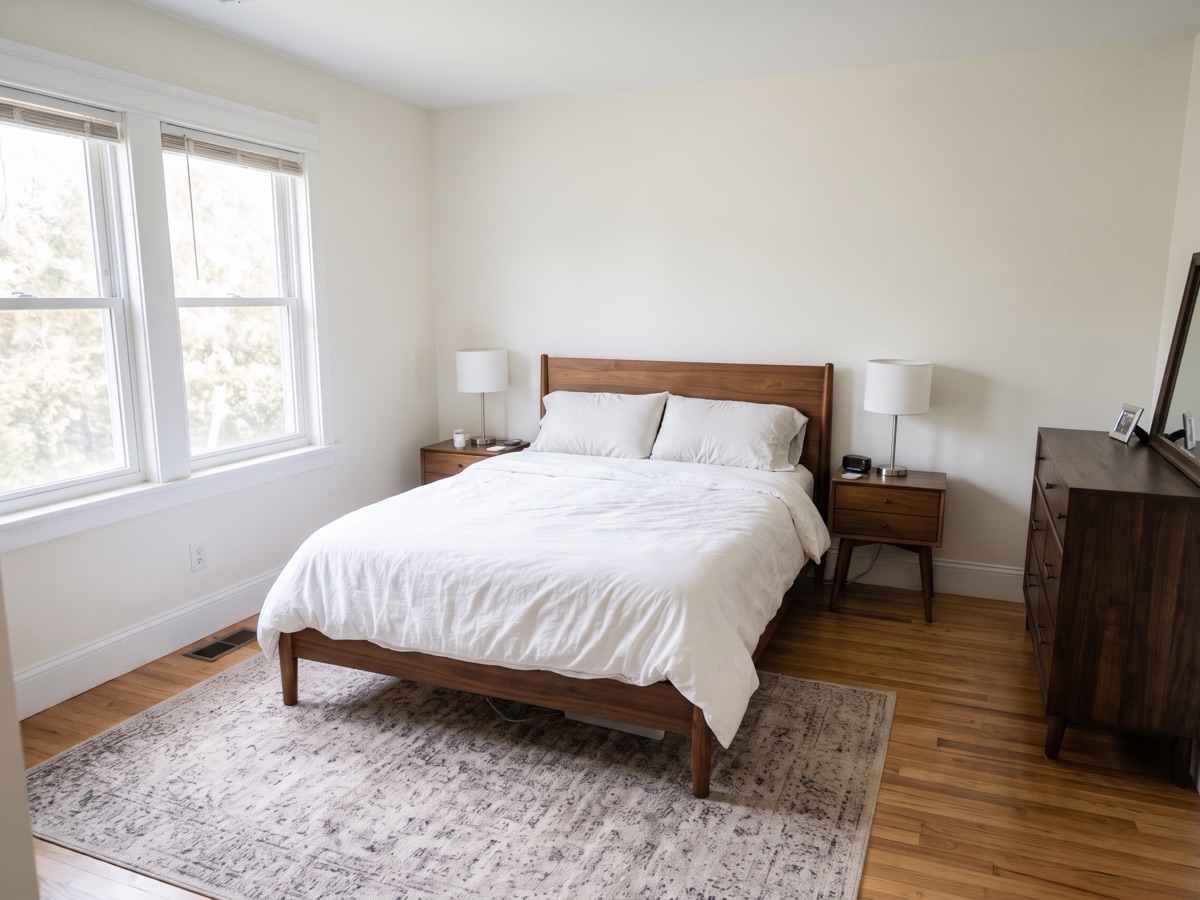
Clears mail, dishes, laundry, cords, moving boxes and fridge magnets. The seller’s furniture stays where it is.
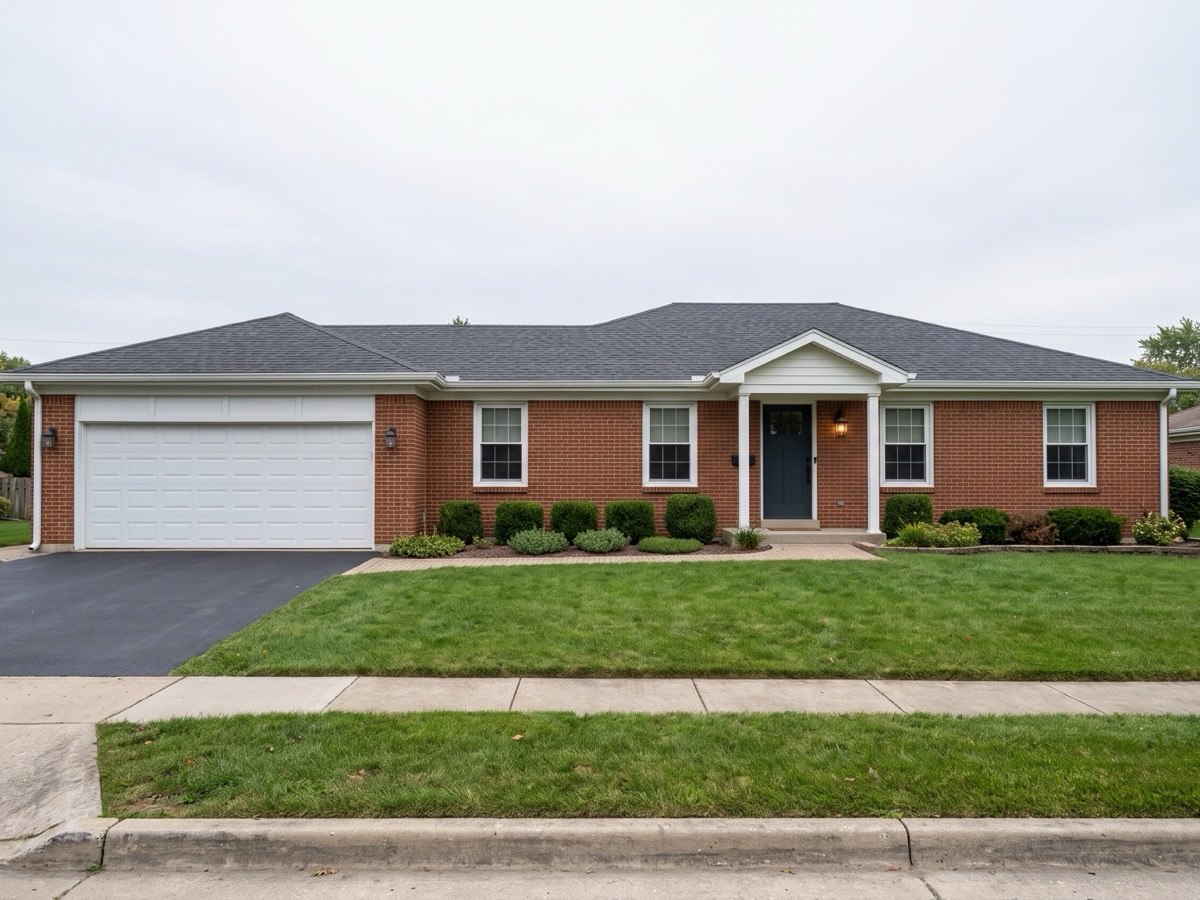
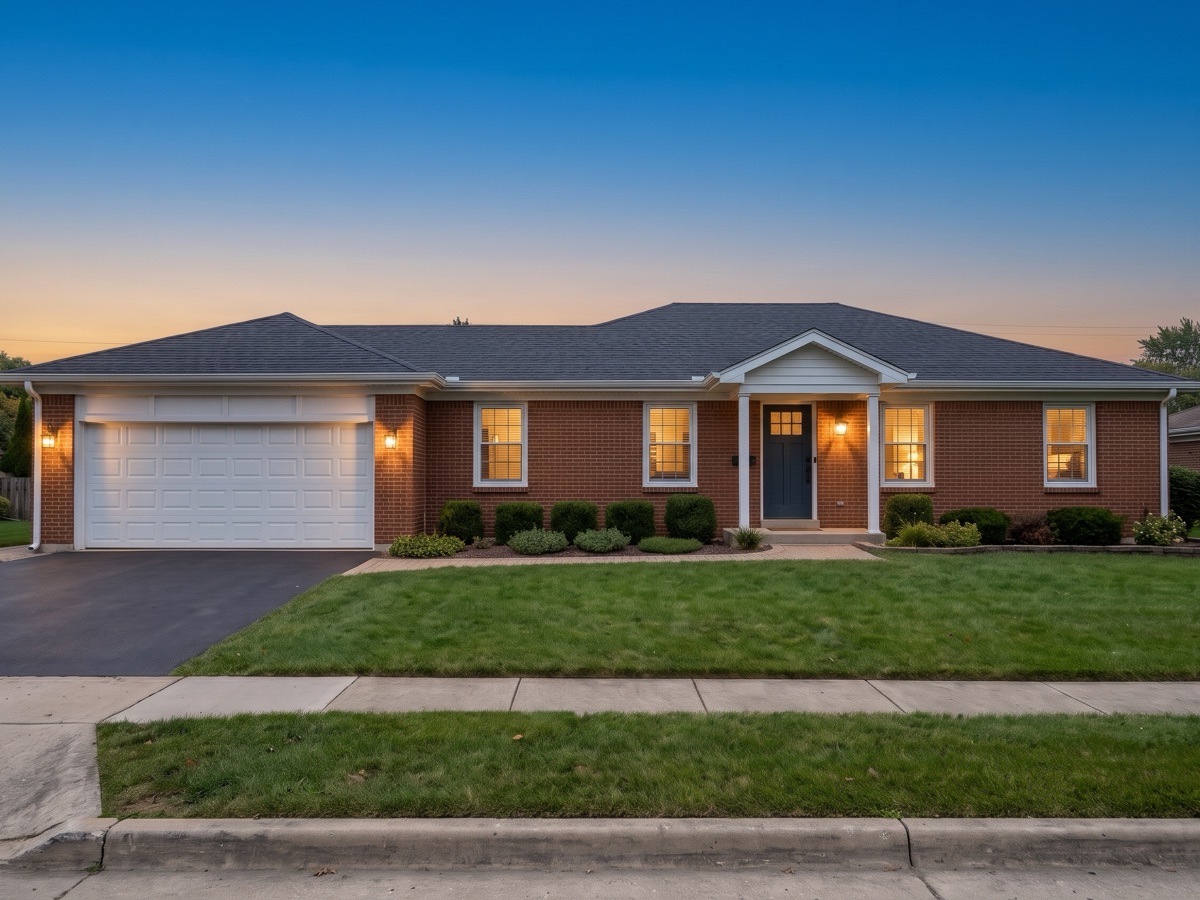
Blue sky or dusk twilight over the same house for the listing, plus green lawn previews kept for inspiration only.
Pick a style or let the app suggest one, and the same furniture follows the room from one angle to the next
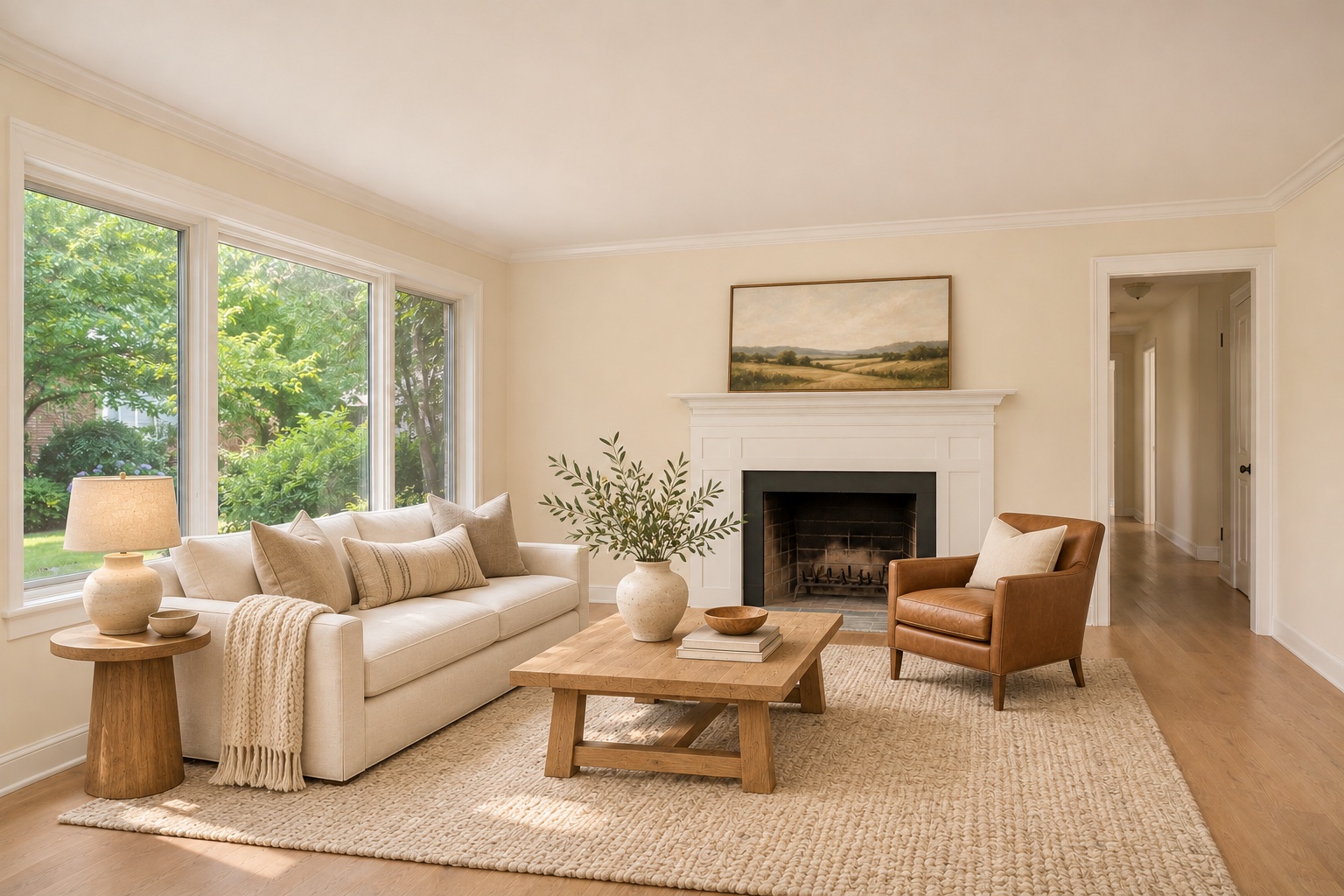
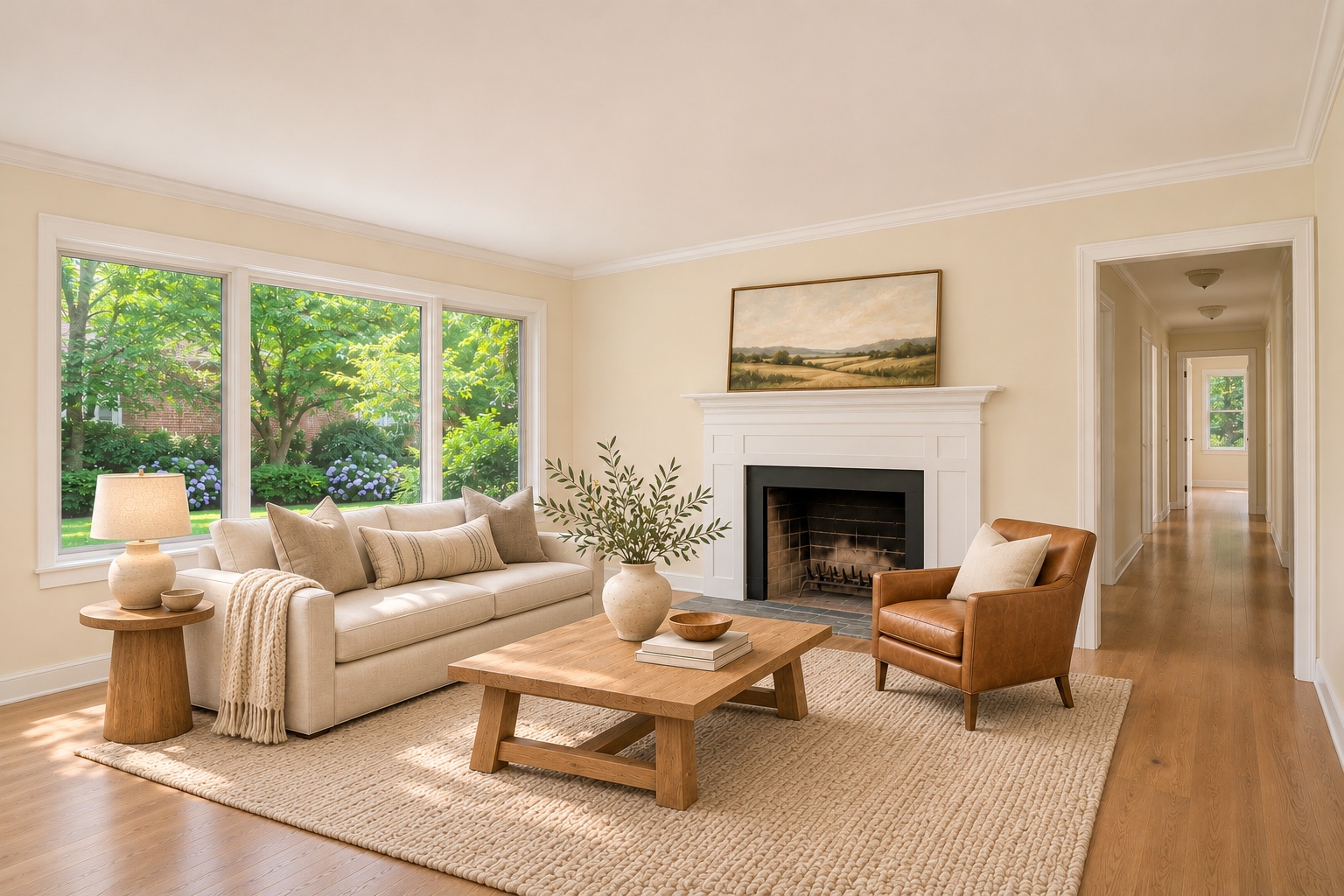
Warm whites, shiplap, black accents
The agent, the team and the seller each get their own part of the app
Shoots the walkthrough on a phone and stages it on the spot, then copies the MLS remarks and a listing description with a Fair Housing wording check.
Pro · 300 photos a month
Signs in on another device with a 6-digit email code instead of a shared password, stages up to 1,000 photos a month and cuts 16:9 and 9:16 listing videos.
Max · 1,000 photos a month
Opens a private link, sees each original beside its labeled edit, and taps Approve or asks for changes before the listing goes live.
Included with Pro and Max
Figures from the 2025 NAR Profile of Home Staging.
Listing photos and renovation ideas are kept in separate lanes, and concepts are excluded from listing exports
Rules differ by MLS, so check yours before publishing.
What each option costs per photo, how long it takes, and who pays when an edit goes wrong
| Option | Cost per photo | Turnaround | Broken edits |
|---|---|---|---|
| RealtorStage | $0.075–$0.10 | Seconds on your phone | $0 |
| Other AI staging apps | $0.20–$15.00 | Seconds to hours | Charged |
| Human photo editors | $16–$75+ | 24 hours to 3 days | Paid revisions |
| Physical staging | $400+ | Days to weeks | Rental contract |
| Feature | Other AI apps | RealtorStage |
|---|---|---|
| Broken or glitched edits unbilled | 1 / 23 | IncludedBroken edits cost $0 |
| Board-specific MLS disclosure rules | 0 / 23 | Included |
| Separate per-edit labels, with concepts kept out of listing exports | 0 / 23 | Included |
| MLS description and social copy with Fair Housing check | 1 / 23 | Included0 photos used |
| Private seller approval link | 2 / 23 | Included |
| Untouched original photo paired beside every edit | 3 / 23 | Included |
| Consistent furniture from photo to photo | 4 / 23 | Included |
| Whole-home consistent theme and folders | 5–6 / 23 | Included |
| 16:9 and 9:16 video feed slideshow maker with text | 9 / 23 | IncludedMax · 0 photos used |
| Circle and change, X-remove and custom style reference | 10–14 / 23 | Included |
| 12 paint colors, light fixtures and lawn concepts | 6–15 / 23 | Included |
“Other AI apps” counts how many of 23 audited products offer each feature. Public audit of 23 products across 42 capabilities in Nov 2026 from vendor websites, pricing, and help pages (RealtorStage covers 33 in full and 3 in part); image output quality was not scored.
Start with 3 free photos of your own listing, then pick Pro or Max. Broken edits cost $0 on both
$29.99 / month
300 photos a month ($0.10 per photo)
$74.99 / month
1,000 photos a month ($0.075 per photo)
Straight answers on free trials, room accuracy, MLS labels, photo privacy, and mobile support
Sign in with an emailed code or Apple to try 3 photos of your own listing free before choosing a plan. Only completed, intact exports count — technical errors, canceled runs, and verified AI glitches cost $0, while choosing a different furniture style counts as 1 generation.
No. Staging, decluttering, and sky swaps keep walls, windows, doors, floors, stains, fire hydrants, and utility poles untouched. Fresh-coat wall paint colors (12 shades), 6 lighting and fixture styles, green lawn, and remodel concepts require an explicit inspiration-only confirmation and stay separate from live listing exports.
Yes. Share a private seller link with before-and-after pairs for review, and let team coordinators sign in on another device with a 6-digit email code without sharing passwords.
Regional notes and copyable MLS remarks cover CRMLS, ARMLS, Bright MLS, Stellar MLS, Canopy MLS, and CVR MLS alongside each saved original. Rules differ by board, so verify yours before publishing.
Photos stay stored locally on your device, and RealtorStage asks explicit permission before sending an image to Google Gemini or OpenAI. iOS launches first with Android coming soon; write to info@realtorstage.com anytime.